
A softer place for your ideas.
The warmth of a pinboard. The freedom of a digital canvas. Give notes, plans and everyday inspiration a place of their own.
Create your boardSign in to create. Free plan available.
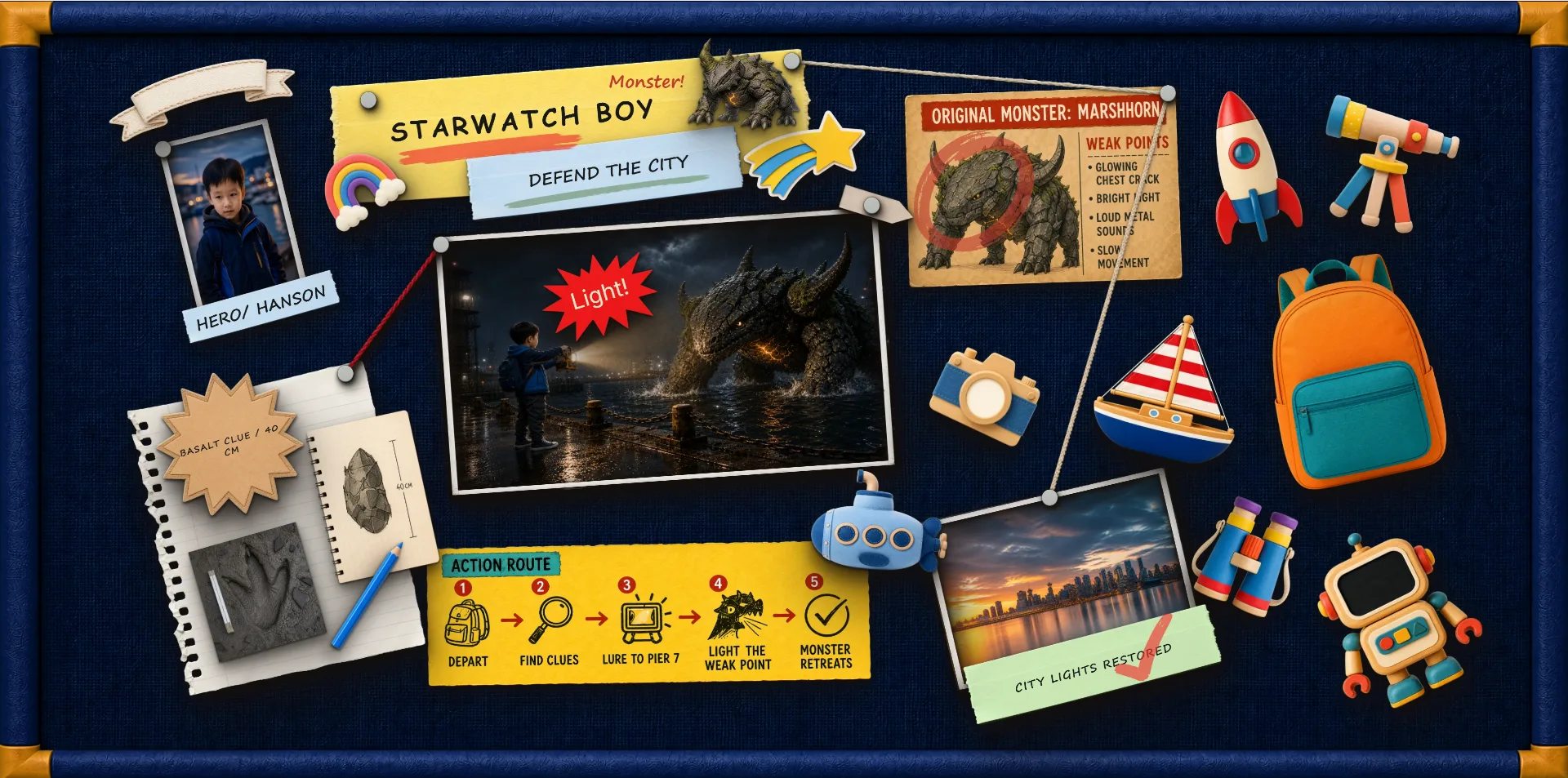
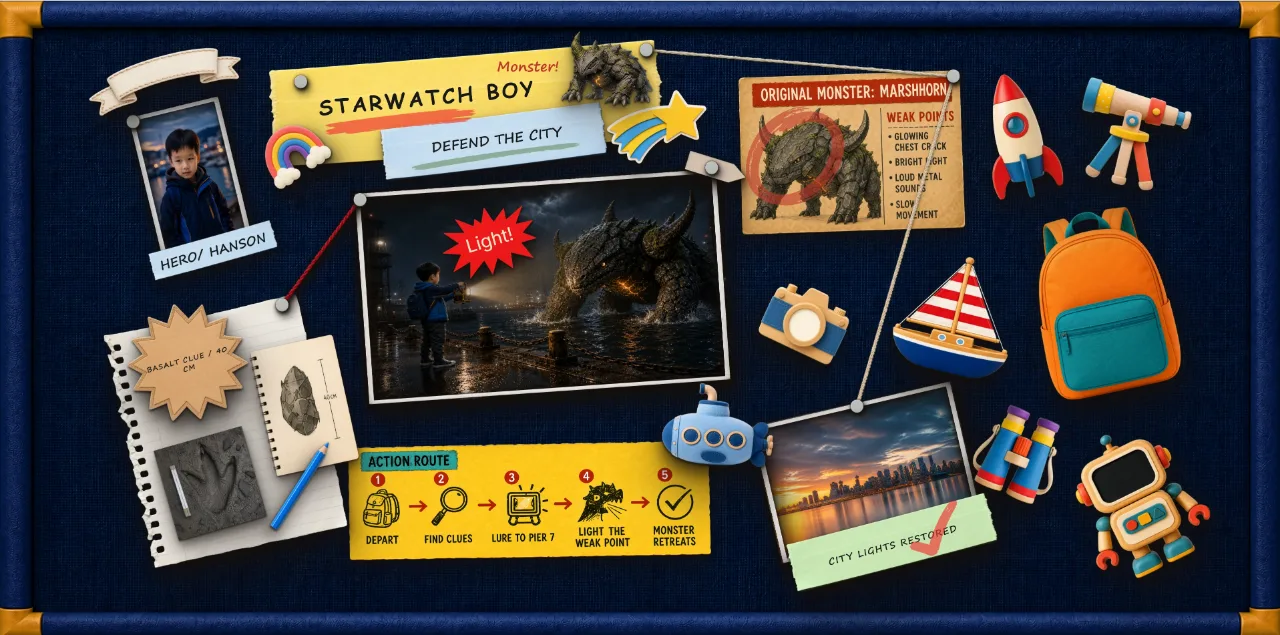
Make a place for the things on your mind.
The STAR WATCH template pairs a textured blue surface with pinned paper, colorful decorations and connecting threads. Use that same freedom of arrangement for your own ideas.
Choose
Start with a board surface that suits your project. Felt gives your material a quiet, tactile background.
Pin
Add notes and images. Put related ideas together, or leave a little space around something that needs attention.
Rearrange
Move and resize your material as priorities change. There is no need to start the whole board again.
Your board. Your way of seeing.
- Personal planning
- Inspiration collections
- Study notes
Start with a blank canvas or explore the templates in TacDraw. Move, resize and connect your material until the arrangement feels right.
Is this a physical felt board?
No. It is an online workspace with felt-style board materials. You use it in your browser, with digital notes, images and pins.
Can I move things after pinning them?
Yes. Your layout stays editable. Move and resize items, adjust their properties and reorganize the board.
Can I use it for planning?
Yes. Lay out notes, dates and references in a way that makes sense to you. The board is a flexible workspace, not an automatic scheduling system.
Can I start for free?
Yes. TacDraw has a free plan. Sign in or create an account to make your own board. See Plans for current limits and features.