
See the plan. Shape what’s next.
Move beyond a list of tasks. Put milestones, open questions and next steps on one visual planning board.
Create your boardSign in to create. Free plan available.
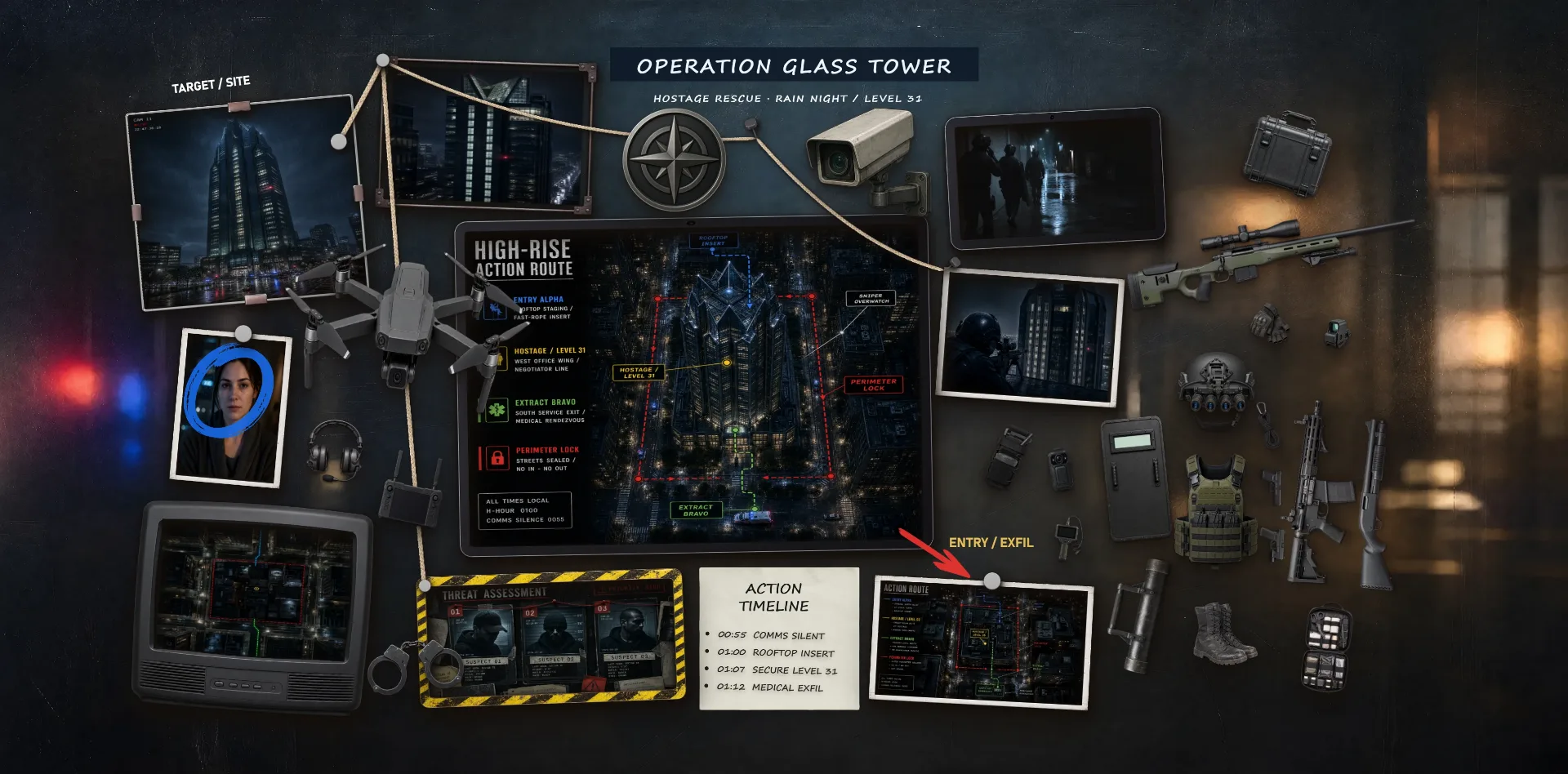
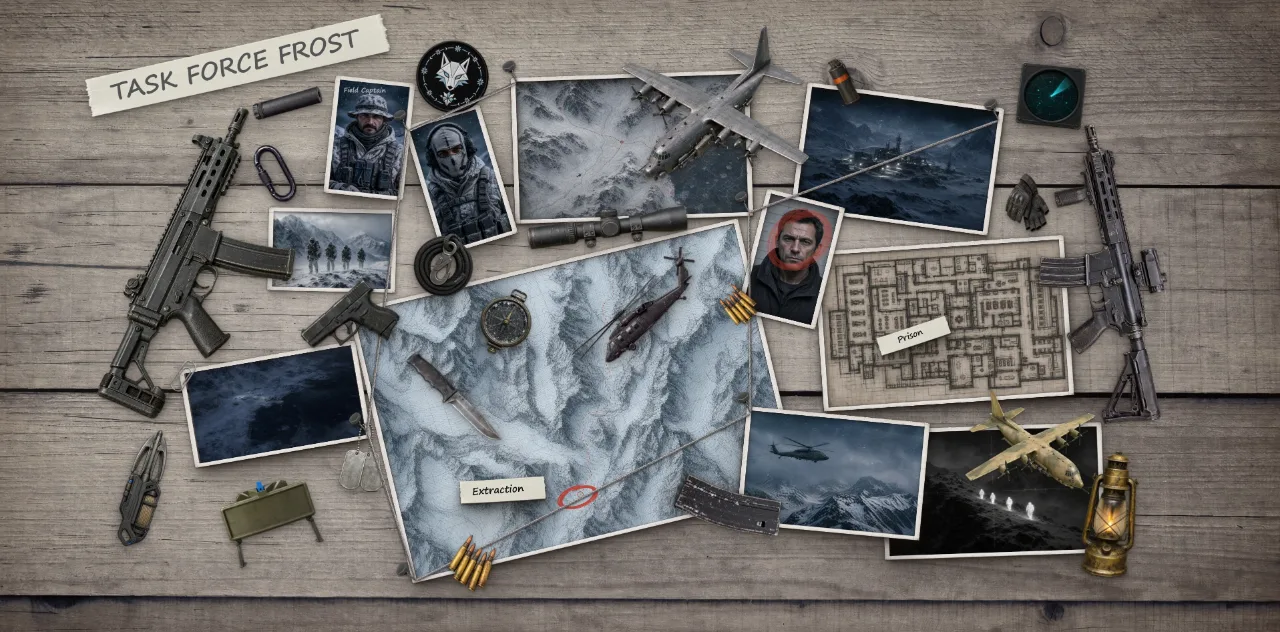
Turn an outline into a plan you can see.
Operation Glass Tower combines a central diagram with reference images and an authored timeline. The second example, Operation Frost, shows another way to arrange maps and connected locations for a fictional scenario.
Map
Lay out the milestones and decisions ahead. Add notes for the context that a task title cannot hold.
Sequence
Arrange the order visually and connect related steps. Keep risks and open questions beside the work they affect.
Adjust
Update notes and move cards as your plan evolves. The arrangement is yours, not a fixed project-management template.
Your board. Your way of seeing.
- Project roadmaps
- Story timelines
- Strategy planning
Start with a blank canvas or explore the templates in TacDraw. Move, resize and connect your material until the arrangement feels right.
What kind of tactical planning is this for?
Arrange a strategy, project timeline or sequence of decisions visually. This is a flexible board, not a specialized sports simulator or automated project tracker.
Does progress update automatically?
No. The notes and milestone states are authored by you. Update the text, colors and layout as your plan changes.
Can I connect milestones?
Yes. Pins and threads show relationships between items, while notes explain what each connection means.
Can I start for free?
Yes. TacDraw has a free plan. Sign in or create an account to make your own board. See Plans for current limits and features.